Tracking My Haters With Githate
An open-source CLI tool to track who unfollowed you on GitHub. Because I take it personally.

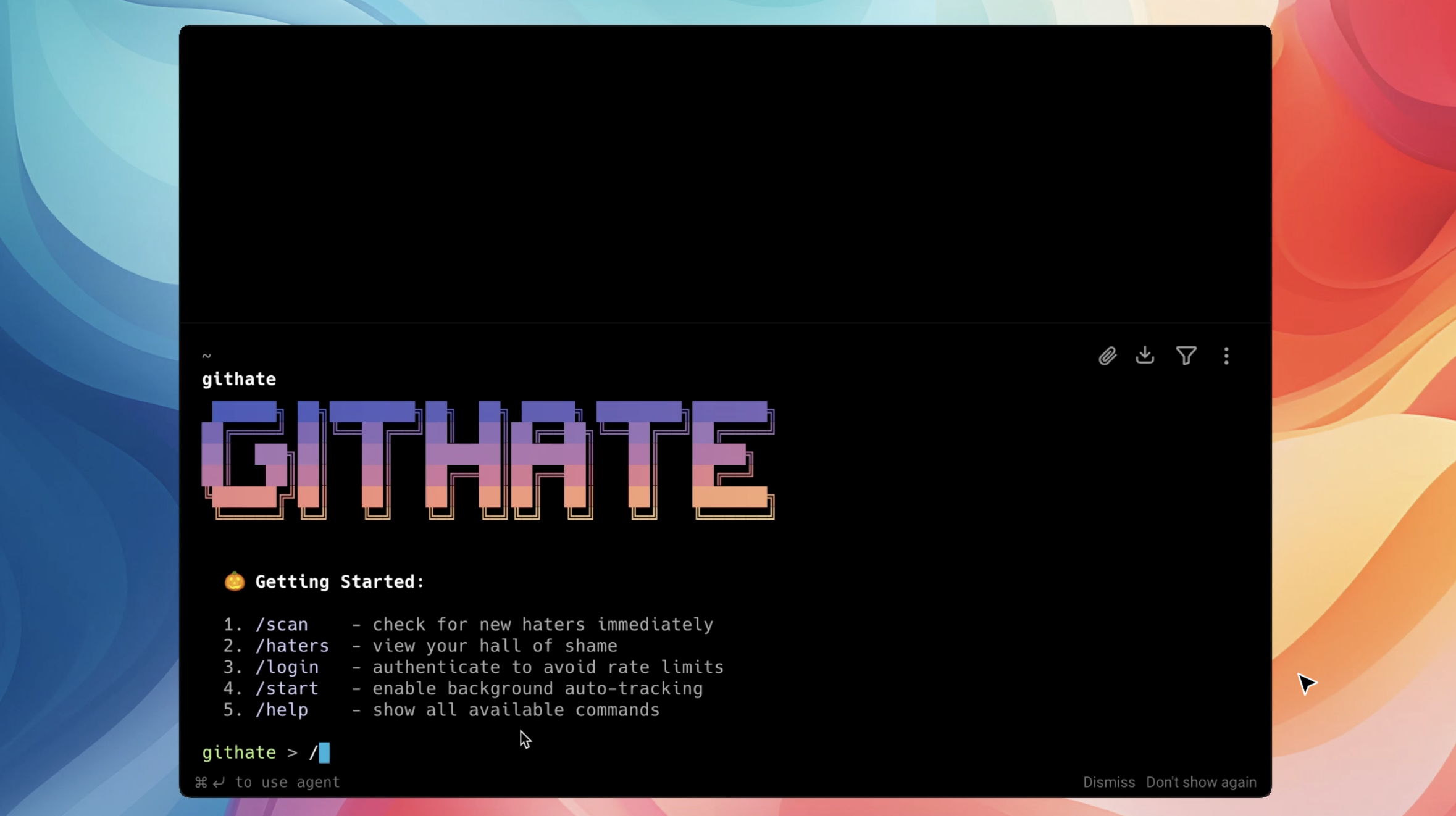
GitHate CLI
Have you ever wondered why your follower count dropped? Did someone unfollow you? I take that personally.
So I built Githate, a CLI tool to track your "haters" (unfollowers) and new fans on GitHub.
Features
- Track Unfollowers: Instantly see who stopped following you.
- Track New Followers: See who started following you.
- Manage Relationships: List followers, following, and follow/unfollow users directly from the terminal.
- Secure: Your Personal Access Token is stored locally on your machine.
- Beautiful UI: A clean, modern terminal experience.
Installation
You can install githate globally using npm:
npm install -g githate
How It Works
- Generate a generic GitHub Token with
read:useranduser:followscopes. - Login with
githate login. - Run the check with
githate check(or justgithate).
The tool compares your current follower list with a locally cached version from the previous run to identify changes. It's simple, fast, and effective.
Why I Built This
I noticed my follower count fluctuating and wanted to know who exactly was leaving. Existing tools were either paid, full of ads, or required giving away too many permissions. So I built a simple CLI wrapper around the GitHub API to do it myself.
Also, I vibecoded the landing page in about 20 minutes. Check it out at githate.anants.studio. lol
Check out the code on GitHub.